

Introducing Automatic Discounts
Good news! There’s no need to go hunting for your monthly Loyalty and Rewards discount code any longer. You told us tracking down codes was a hassle, and we listened, because that's what we do. Your hard-earned rewards are now applied automatically, as part of our continued efforts to improve your online journey.
How it works
Each month, your Loyalty and Rewards discount is now automatically generated and applied to your account at midnight, ready for you to use straight away. No codes to find, no need for copying and pasting.
Always know your tier at a glance
Make sure you're logged in, and you'll see your tier and current discount displayed in the top-right corner of the homepage, right next to your basket and account links so you always know exactly where you stand.
See your discounted prices on every product page
On product pages, prices are now shown with your discount already applied. The original product price is greyed out underneath for easy comparison, so you can see exactly what you're saving without waiting until checkout.
Your loyalty overview, right in your account
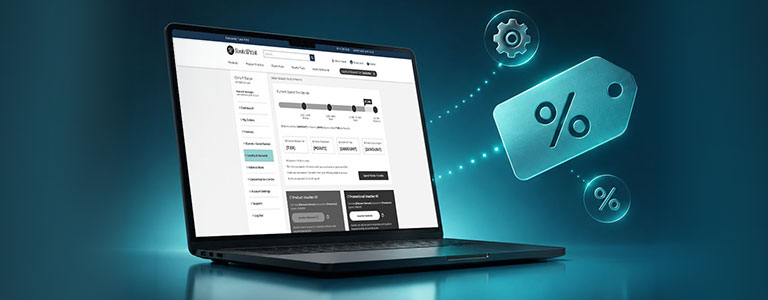
Your Loyalty and Rewards area has been refreshed to give you an instant summary: your current spend, tier, points this month, all-time credit, and any points due to expire are all visible in one place. When you're ready to spend your points or redeem credits, simply continue through to the loyalty platform from there.
Discounts applied automatically in your basket
In your basket, each product displays your tier-discounted price and your total loyalty savings are clearly shown. Your code is applied automatically; there's nothing to type in.
Show or hide your discount
Your reseller discount is now applied automatically in the Order Summary box. You can also choose to show or hide your discount, giving you a clear view of both the gross price and your discounted reseller price. You may find this is particularly useful when preparing quotes or placing orders on behalf of customers.
Using a different code or promotion
Your monthly reward tier discount is applied by default. If you'd like to use a different promotional code instead, simply remove the auto-applied discount and enter your chosen code as normal.
And it really is as easy as that! Less hassle, more savings, and no more hunting for codes or worrying you've missed out on your discount.