
My Merchandise
Your brand. Their brand. More opportunities in every order.
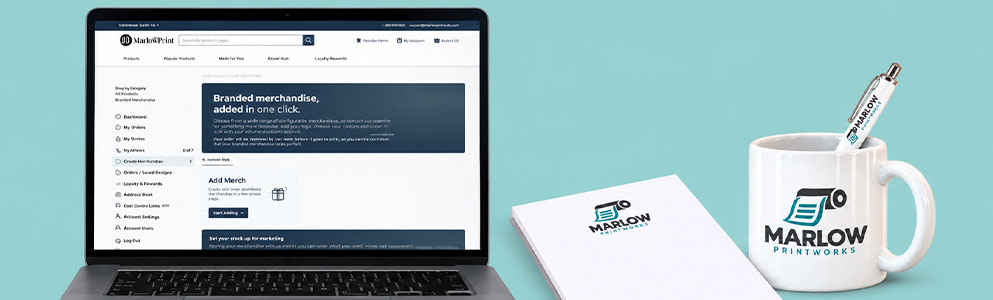
We’ve rolled out My Merchandise, a new web feature in your account area designed to help resellers make more of every customer order.
You can now create and save branded merchandise, group items into bundles and add them to orders straight from your basket. Use your own branding to give customers a memorable thank-you, or add their logo to introduce them to merchandise for their business.
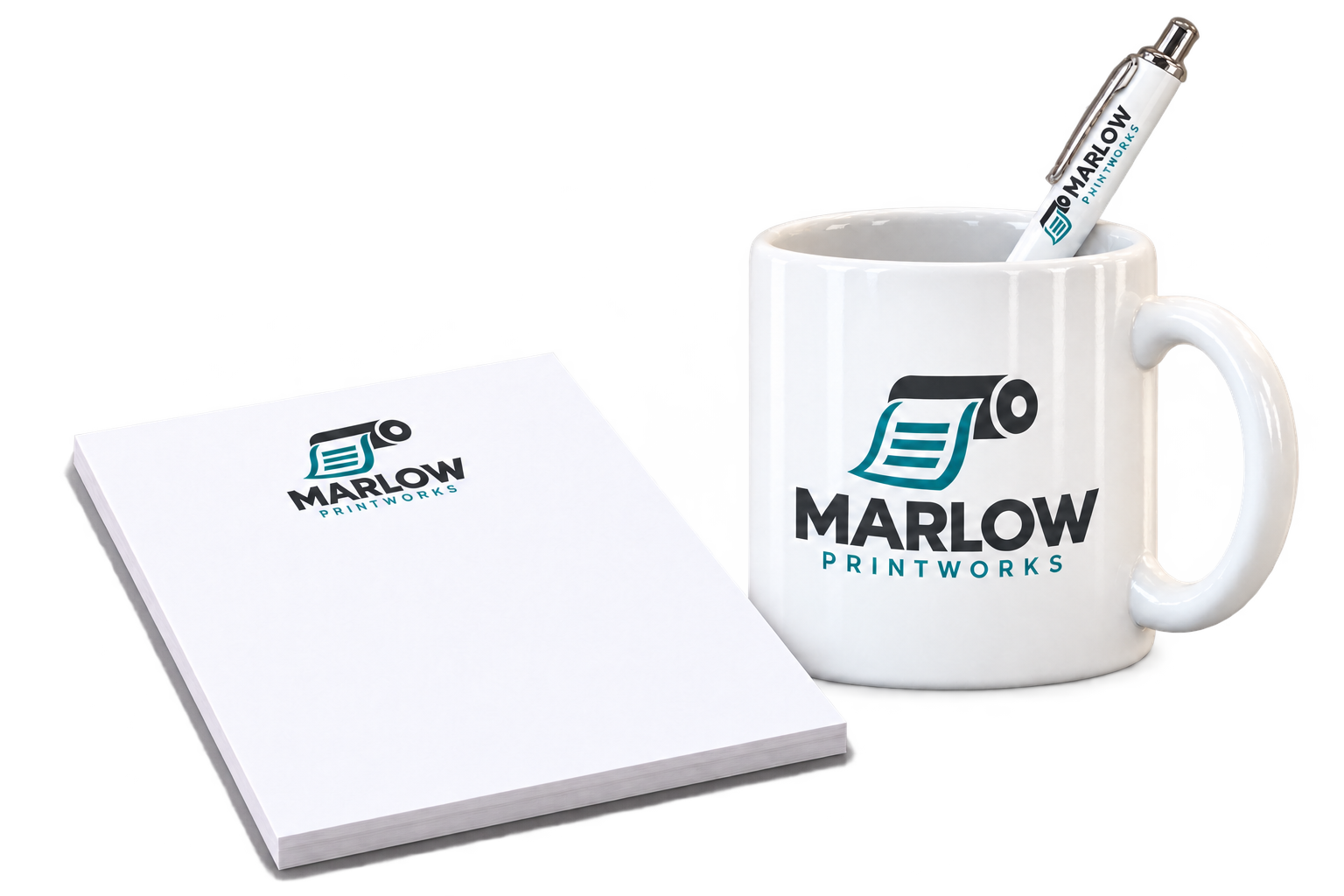
Launching with mugs, pens and notepads, My Merchandise gives you a simple way to build customer relationships, introduce an upsell and keep approved designs ready for next time.
Why we’ve launched My Merchandise
As a reseller, you’re always looking for ways to give customers more value and give them another reason to choose you again.
Branded merchandise can help you do both. A useful mug or pen keeps a brand visible long after an order has been delivered. It can make a customer feel appreciated, demonstrate another product you can supply and start a conversation about their next purchase.
We’ve built My Merchandise to make those opportunities easier to act on. Once you’ve created and approved a design, it stays saved in your account. You can return to it for future orders without uploading the same artwork or repeating the proofing process.
That means less time on repeat setup and more opportunity to turn an everyday order into something customers remember.
Add your brand to surprise and delight
A thoughtful extra can make a real difference to how a customer remembers your business.
Add mugs, pens or notepads featuring your own logo as a thank-you for their order. They receive something practical to use, and your business gets a place on their desk, in their kitchen or alongside their everyday work.
When they need their next print order, your name could already be right in front of them.
It’s a simple way to show appreciation while keeping your business visible between purchases.
Add their brand to open up an upsell
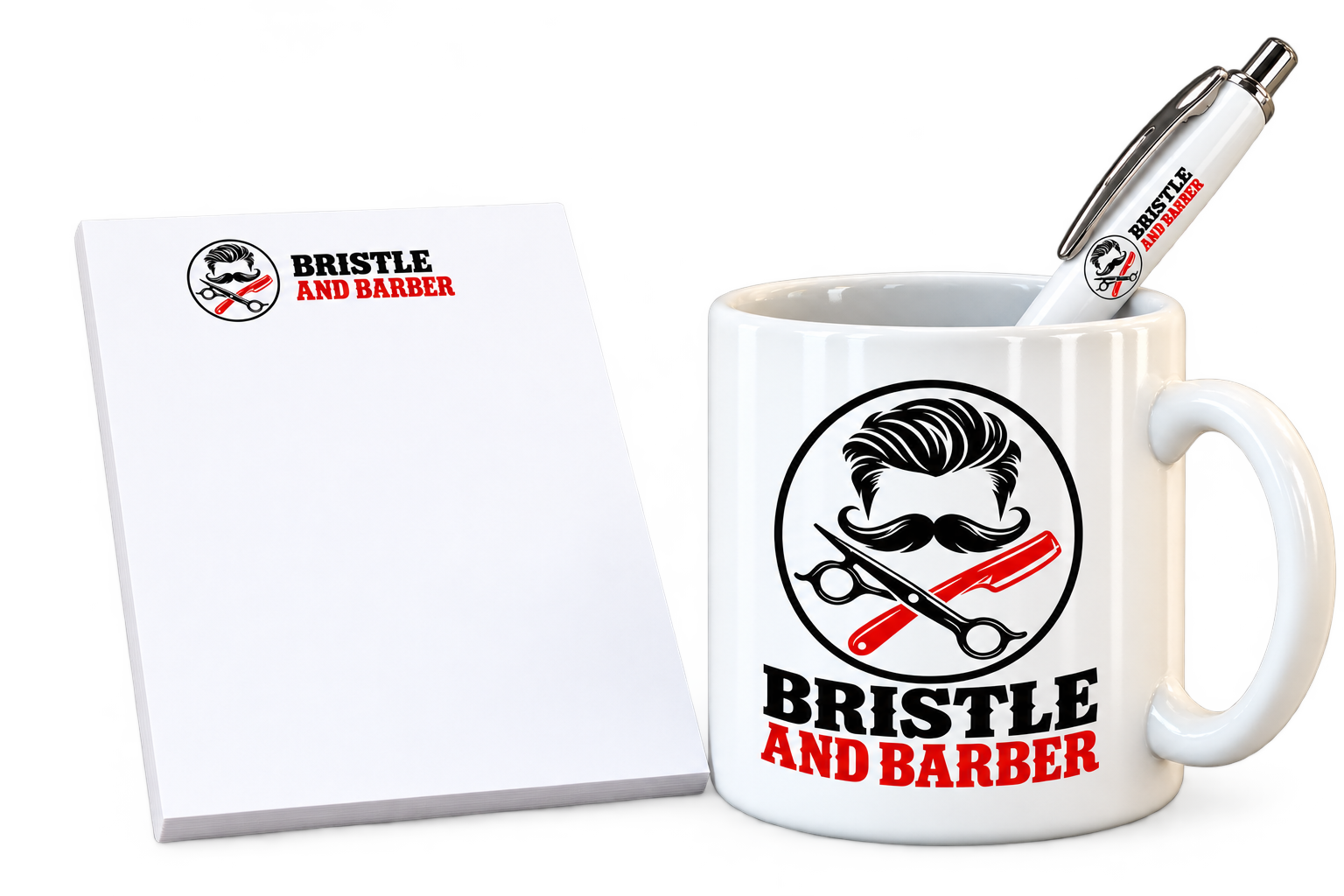
Putting your customer’s logo on merchandise makes the opportunity personal.
Instead of asking them to imagine how their branding might look on a mug, pen or notepad, you can put it in their hands.
Adding your customer's branding to merchandise is a great way to demonstrate what else you can offer. Whether it's a thoughtful surprise or an introduction to a new product range, you're creating another reason for them to come back.
Simply upload your customer’s logo to put their brand in their hands, and give them another reason to come back for more.
Two smart ways to cover the cost
Adding a little something extra to your customer’s order doesn’t have to mean sacrificing your margin. There are two simple ways to make merchandise work for your business.
How to find My Merchandise
Sign in to your online account, then head to:
My Account My Merchandise
This is your merchandise area, where you can start adding products and return to merchandise you’ve already saved.
To create your first item, select Start adding.
-
Step 1Choose your product
My Merchandise is currently available for mugs, pens and notepads, with wraparound and double-sided mug options. Browse the available products or use the product search to find what you need. Choose your product and quantity, review the price shown, then select Add Merch to begin setting up your artwork.
Think about how you want to use the item. Is it a thank-you featuring your own brand, a personalised extra for a customer, or part of a pack you’ll offer with future orders?
-
Step 2Add your logo
Upload the logo or artwork you want to use, or use the available design option to create your artwork.
-
Step 3Follow the normal proofing journey
You’ll go through the usual proofing process no matter what you upload.
Check the proof carefully, including the logo, any text and the artwork placement, before completing approval. This gives you the chance to check the artwork before the merchandise is ready to order.
-
Step 4Keep approved merchandise saved
Once approved, your merchandise stays in My saved merchandise, ready to use again.
You don’t need to start from scratch each time you want to add the same item to an order. Your chosen product and approved artwork are already there. That’s useful when you regularly include your own branded items.
-
Step 5Create a bundle
Want to offer several items together? Use Create bundle to group your merchandise into one pack you can add in a click. For example, you could put together a matching mug, pen and notepad as a customer gift.
Bundles make it easier to offer a complete pack and reduce the need to add each item individually whenever you use it.
-
Step 6Add merchandise from your basket
When you’re placing an order, look for Add merchandise to this order in the basket. Choose the relevant tab:
- Your merch for merchandise featuring your branding.
- Customer merch for merchandise featuring your customer’s branding.
Find the saved item you want to include, select the quantity and click Add to order. You can also use View design to check the saved artwork.
If you need to set up something new, the Add more merchandise to this order area lets you choose another product and upload or design its artwork. It will be saved to My Merchandise too.
Ready for the next order
Once your merchandise is set up, you’ve got more options whenever a customer places an order: add a thoughtful thank-you, offer a personalised upgrade or include a bundle.
Your customers get something useful and relevant to their business. You get another way to demonstrate what you can supply, encourage repeat orders and create opportunities for extra margin.
Head to My Account → My Merchandise to create your first branded mug, pen or notepad, and make your next customer order more memorable.
Go to My MerchandisePlease note, merchandise products may be shipped separately.