

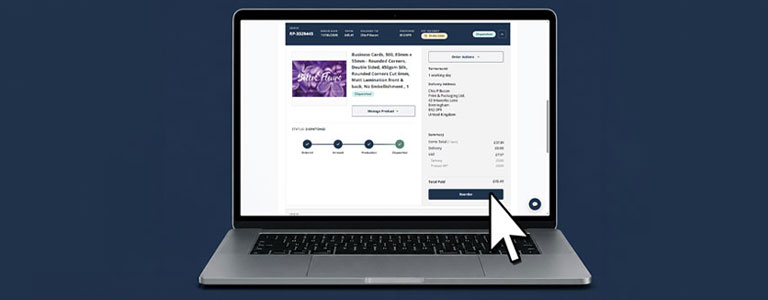
Reorder Functionality Now Live
Great news, our new Reorder feature is now live on the website!
Need to order the same products again? No sweat. Reordering makes it quick and easy to repurchase products you’ve ordered before, without having to start from scratch.
How Do I Reorder?
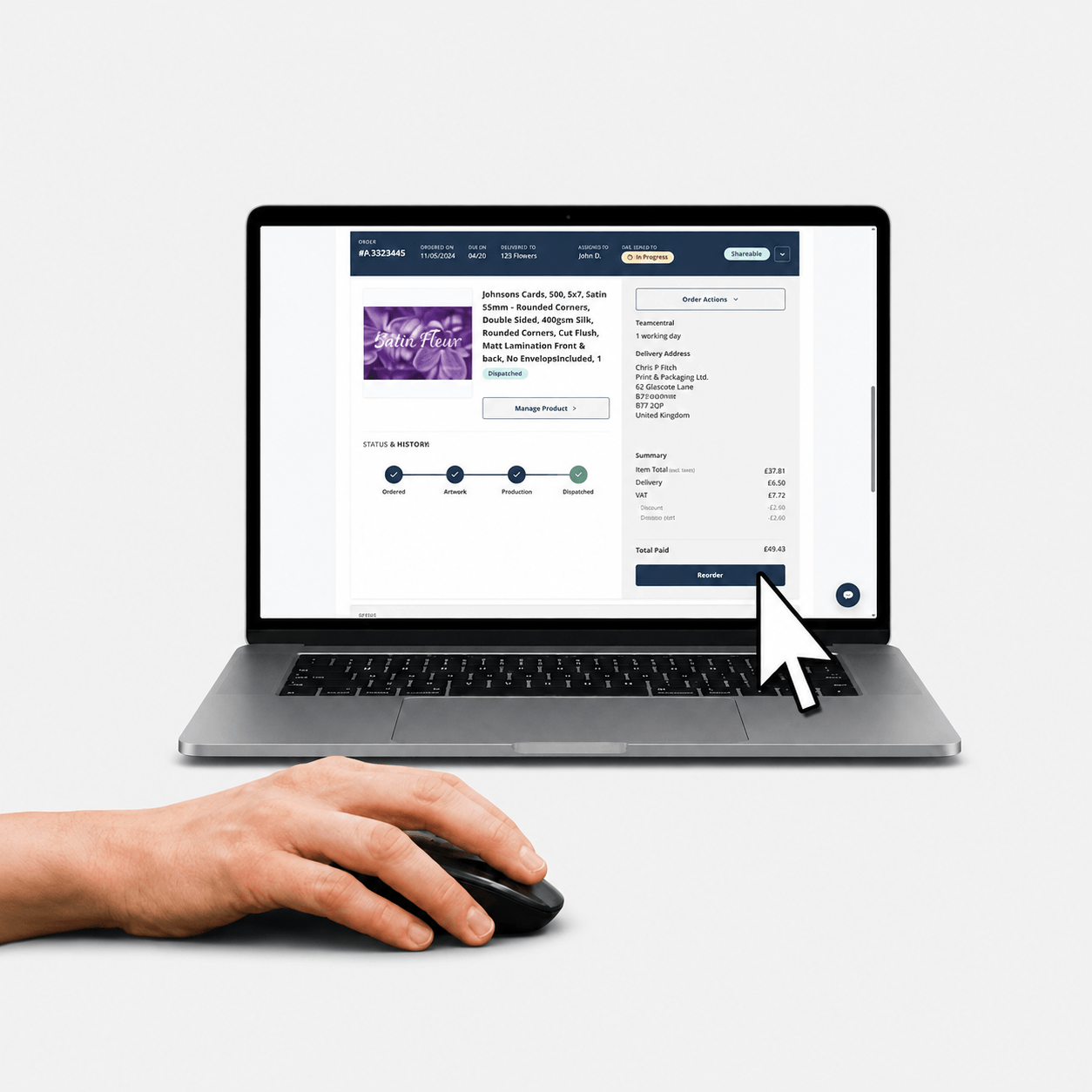
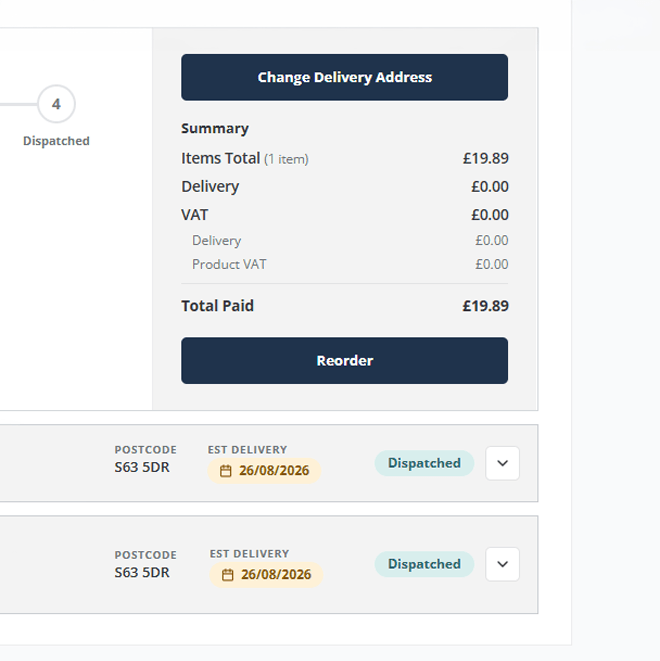
Simply head to ‘My Account’, open the drop-down on one of your recent orders, and select ‘Reorder’.
Everything from that order will be added directly to your basket, ready for you to review and check out. This includes your original artwork and product specification, along with the latest available pricing.
It’s the quickest way to replenish the products your customers buy regularly, whether you’re restocking bestsellers, replacing printed materials or placing another order for a repeat campaign.
Reordering Old Orders
The Reorder functionality is available for orders placed online within the last two years.
Going forward, we’ll keep your order history, making it even easier to find and reorder previous purchases from your account whenever you need to.
Reordered items will always reflect the latest pricing shown on the website.
Any discounts or promotional codes used on the original order will not carry over automatically. You can add a valid discount or promotional code at the checkout stage.
What This Means for You
Reordering takes the hassle out of repeat purchases, helping you respond to customer requests quickly and confidently.
No more rebuilding baskets: Bring back previously ordered items in just a few clicks.
Save time when a client needs a top-up: Quickly reorder the products they already know and love.
No stress with artwork uploads: Your original artwork is pulled through automatically, so there’s no need to upload it again.
No need to recreate complex product specifications: Previous order details are retained, making it easy to reorder even highly customised products.